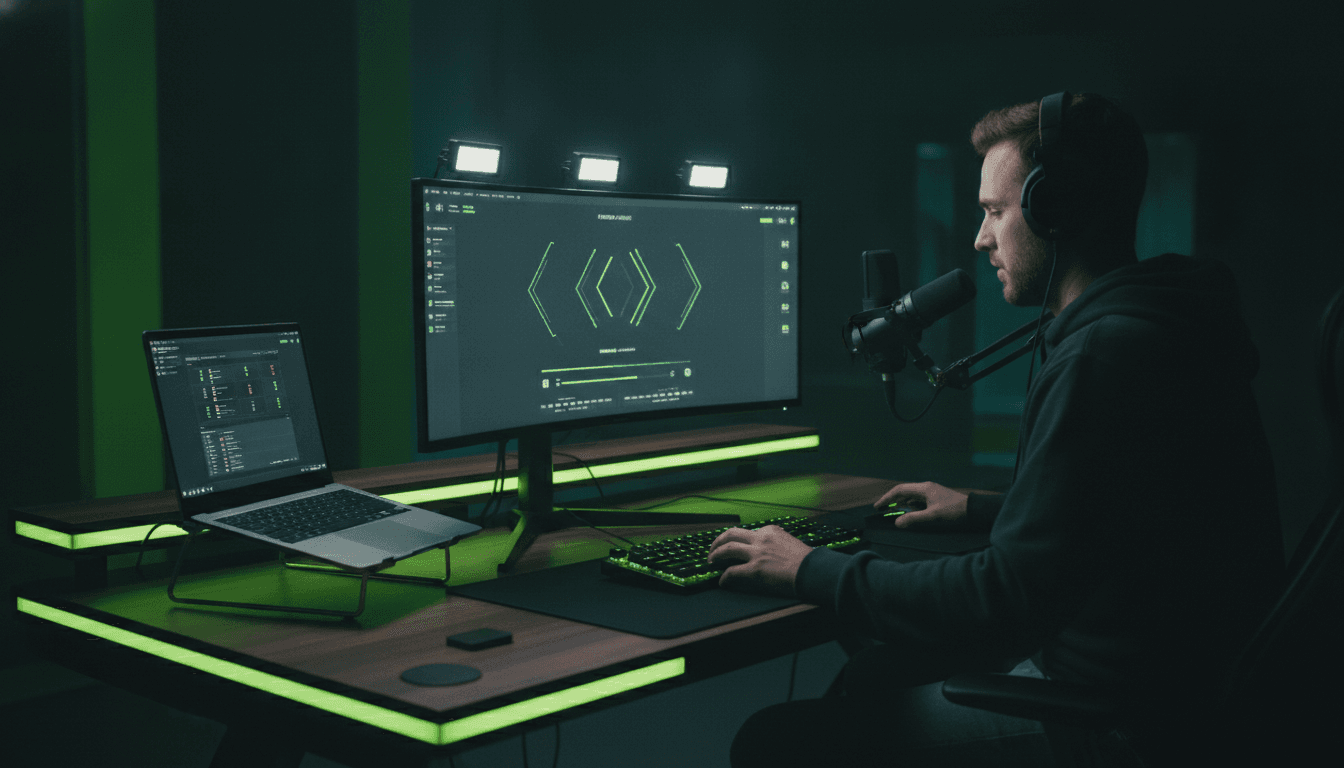
To stream on Kick, create a free Kick account, copy your stream key from Settings, connect it in OBS (or just go live from the Kick mobile app), set a title and category, and click go live. That is the whole flow. Below is the exact setup for every device, where to find your stream key, how Kick pays creators, and, most importantly, how to actually get watched once you are on.
What you need to stream on Kick
The basics are simple: a Kick account, something to stream from (a PC with OBS, your phone, or a console with a capture card), and a stable internet connection of around 5 Mbps upload or better. Kick is browser based to watch and does not require any download to go live from mobile. Pick your device below for the exact steps.
How to get your Kick stream key
Your stream key is what connects OBS to your channel. In Kick, open Settings, then the Stream Key section. You will see a Stream URL (the server) and a Stream Key. Copy both into OBS under Settings, then Stream, with the service set to Custom. Keep your stream key private, since anyone with it can broadcast to your channel. If you ever think it leaked, reset it from the same screen.
Does Kick pay you to stream?
Yes. Kick is known for a creator-friendly 95/5 subscription split, meaning creators keep 95 percent of subscription revenue, along with tips and its Kicks reward system. That is far more generous than the standard split elsewhere, which is part of why so many streamers are moving over. You still need an audience to earn from it, which brings us to the part most guides skip.
How to actually get viewers on Kick
Going live is the easy part. Getting watched is the real challenge, and it is where Kick is actually an opportunity. Kick is newer and far less saturated than Twitch, so the browse and recommended sections are easier to break into for a new channel. The catch is the same as everywhere: those sections favour streams that already have viewers, so a channel at zero stays invisible.
The move is to get an early, believable boost so you surface in browse where real Kick users can find you. A Kick viewer bot lifts your live count into those sections, and a Kick follow bot makes your channel look established so new visitors trust it. Because Kick is still wide open, that early visibility compounds faster here than on more crowded platforms.
Frequently asked questions
Can you stream on Kick and Twitch at the same time?
Yes. Kick does not require exclusivity, so you can multistream to Kick and Twitch together using OBS or a multistreaming service. Many creators do this to grow both audiences at once.
Can you stream on Kick without OBS?
Yes. The Kick mobile app lets you go live directly from your phone with no OBS at all. On PC, OBS or Streamlabs gives you far more control over scenes and overlays, so most desktop streamers use it.
Does Kick save your streams?
Kick keeps VODs of your past broadcasts so viewers can watch them after you go offline, and you can manage them from your channel settings.
How much does it cost to start streaming on Kick?
Nothing. Creating a Kick account and going live is free. OBS is free too. Your only real costs are optional gear like a webcam or microphone.
Ready to actually get watched on Kick? Boost your Kick viewers, build your follower base, or try it free on your channel first.